





When visuals rule all, everyone wants their presentation to look attractive, impressive, and professional. But lack of time and lack of designing skills often trouble us. The solution to this problem is the AI Presentation Makers.
Now you just share your ideas and AI will create a great PowerPoint presentation for you in minutes. In this blog, we will know the Best AI Presentation Makers of 2025 that can make your slides magical in just a few clicks.
What are AI Presentation Makers?
AI Presentation maker is a tool that automatically creates a beautiful and professional PowerPoint presentation by understanding the text, topic or points given by you. You can also edit the slides later if you want.
With the help of these AI tools, you can easily create professional-looking presentations without any designing knowledge.
Can AI do a PowerPoint presentation?
Absolutely! Today's AI technology has become so advanced that you just give a few points or topics and the AI will create an impressive presentation by choosing slides, templates, text animations and images by itself.
This means that you can create a great presentation without much effort, and that too in minutes.
Best AI Presentation Makers of 2025
1. Beautiful.AI
.webp "Beautiful.ai")
Use AI to transform ideas into captivating presentations in seconds. Beautiful.ai remains on top even in 2025 because it instantly transforms user's ideas into slides. In this, you just have to give the topic, AI does the rest of the work.
- Pre-made smart templates
- Live content editing
- Automatic layouts with design-sense
Easily create professional-looking PowerPoint presentations is its biggest feature. It is very popular as an PPT maker AI.
2. Tome AI

If you want storytelling in the presentation, then Tome AI is best for you. Effortlessly create engaging AI presentations in minutes. It is not just a presentation tool, but presents your entire story in a visual form.
- Text to slides
- Image generation
- Interactive elements
It is a great AI Presentation Generator.
3. Canva AI Presentation

Canva is no longer just a design tool, but its AI feature lets you create great slides in minutes. You can easily import and edit your slides. Canva's Magic Design feature creates slides based on your ideas and you can edit them if you want.
- Premium graphics
- Auto slide layout
- Stunning animations
It is especially best for those who want creativity in design.
4. SlidesAI
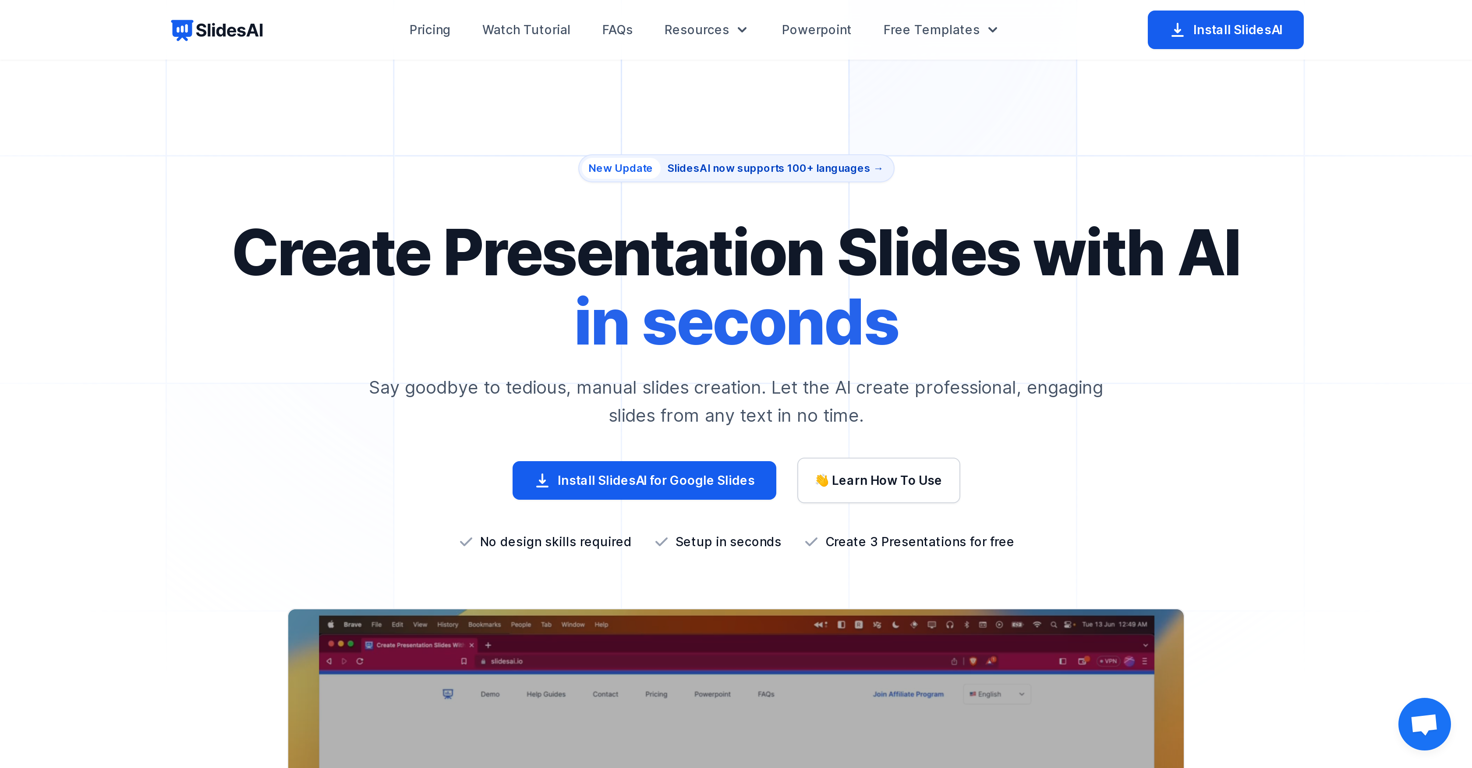
SlidesAI is a powerful AI to create PowerPoint presentation by reading long content.
- Text to slides conversion
- Multiple language support
- Google Slides and PPT export
Create professional, AI-powered PowerPoint presentations. The biggest advantage of SlidesAI is that it makes heavy text easily digestible and creates short, clear and attractive slides.
5. Visme AI

Visme has made its AI features even more advanced in 2025. Now it can create presentations by itself by looking at your data, charts and content.
Branded presentations
- Enterprise level customization
- AI research and image suggestions
If you need data visualization, then Visme AI can be your first choice.
Which AI tool is best for PPT presentation?
It depends on what your need is:
- If you want a simple and fast AI PowerPoint presentation then SlidesAI and Beautiful.ai are the best.
- If you focus on storytelling and visuals, Tome AI and Visme are better.
- And if you need designing flexibility, Canva AI is the best.
Is AI PPT free?
Most AI presentation tools offer basic features in the free version. But if you want advanced templates, image bank, animation or branding, you may have to take a paid plan.
For example:
- Beautiful.ai – Free + Paid
- Tome AI – Free Trial
- Canva AI – Free Basic + Premium Features
Can ChatGPT make PPT?
ChatGPT cannot create a slideshow by itself, but it can create complete content for you such as:
- Slide headings based on topic
- Bullet points
- Draft of intro and outro slides
After this, you can create slides by putting this content in any PPT maker AI tool.
How to make free PPT using AI?
To create a PPT with AI, follow these steps:
- Create slide points with ChatGPT or any AI tool.
- Go to a free tool like Canva, SlidesAI or Beautiful.ai.
- Paste your content there.
- Choose a good template.
- Downad or export the slides.
This way you can easily create professional-looking PowerPoint presentations – that too without any cost.
Conclusion: Is AI the future of presentations?
Making presentations in 2025 has become easier and smarter than ever. Whether you want to take ideas from ChatGPT, create designs with Canva or convert content in minutes with SlidesAI – everything is possible.
If you want your next presentation to be made on time, impress the audience and look professional, then AI Presentation Makers can prove to be your best friend.
You can also read: 5 Best AI Email Writer